

The Bitbucket Pipelines integration is available to customers on select plansThe Bitbucket Pipelines integration is only available to customers on select plans. To learn more, read about our pricing. To upgrade your plan, contact Sales.
- Create feature flags in your Pipelines build: This lets you create feature flags within a specified project. The feature flag will be created in all environments for that project.
- Enable a feature flag in your Pipelines build: This lets you turn on a specific feature flag for a specific environment within a project.
Prerequisites
To use the LaunchDarkly Bitbucket Pipelines integration, you must meet the following prerequisites:- A Bitbucket account
- Bitbucket Pipelines installed on your Bitbucket account
Create feature flags in your Pipelines build
You can configure a Bitbucket Pipeline step to create a set of feature flags in LaunchDarkly as part of your build process. To set up your Bitbucket Pipeline with LaunchDarkly:- Copy the
create-launchdarkly-flags.shshell script from our Bitbucket repository. - Add
create-launchdarkly-flags.shto your Pipelines build configuration. - Add two environment variables to your Pipelines settings:
LAUNCHDARKLY_ACCESS_TOKEN: Copy your API access token from the Authorizations tab within Account settings.LAUNCHDARKLY_PROJECT_KEY: Copy your project key from your LaunchDarkly Projects tab within Account settings.
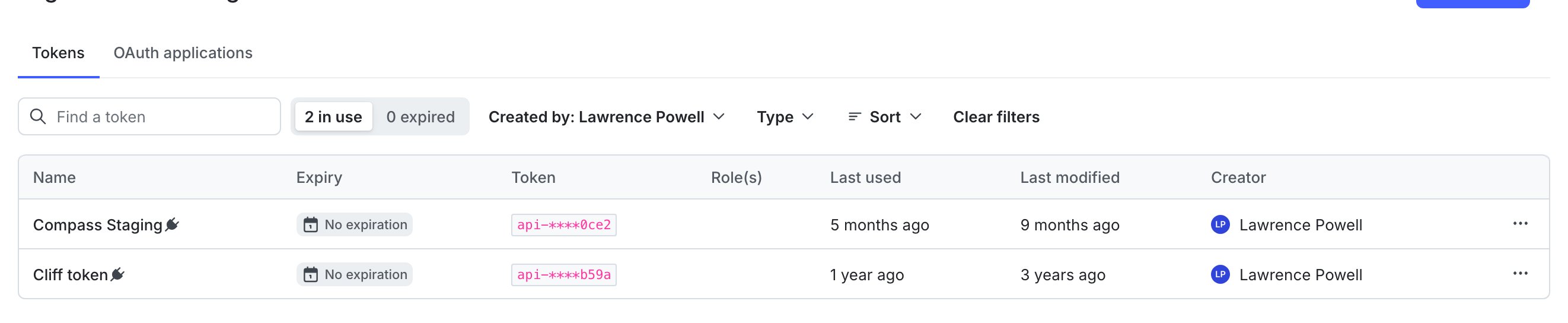
The Access tokens section of the Authorization tab.
- Add an
ld-flags.conffile to your repository and declare flags in it.
Enable a feature flag in your Pipelines build
You can configure a Pipeline step that enables an existing feature flag in an environment as part of your build. To enable feature flags with Bitbucket Pipelines:- Copy the
enable-launchdarkly-flags.shshell script from our Bitbucket repository. - Add
enable-launchdarkly-flags.shto your Pipelines build configuration. - Add these environment variables to your Pipelines settings:
LAUNCHDARKLY_ACCESS_TOKEN: Copy your API access token from the Authorization tab.LAUNCHDARKLY_PROJECT_KEY: To learn how to find your project key, read Project keys.LAUNCHDARKLY_ENVIRONMENT_KEY: Copy your environment key from your LaunchDarkly Projects tab.LAUNCHDARKLY_FLAG_KEY: Enter the key for the feature flag you wish to enable.