

Delete release pipelines
You can only delete release pipelines that do not have any active releases. If there are any flags in any phase of a release pipeline, you cannot delete the pipeline. To delete a release pipeline:- Navigate to Release assistant. The default release pipeline and its releases appear.
- Click the release pipeline name, and select Manage release pipelines. The release pipelines list appears.
- Click the three-dot overflow menu next to the release pipeline you want to delete and select Delete.
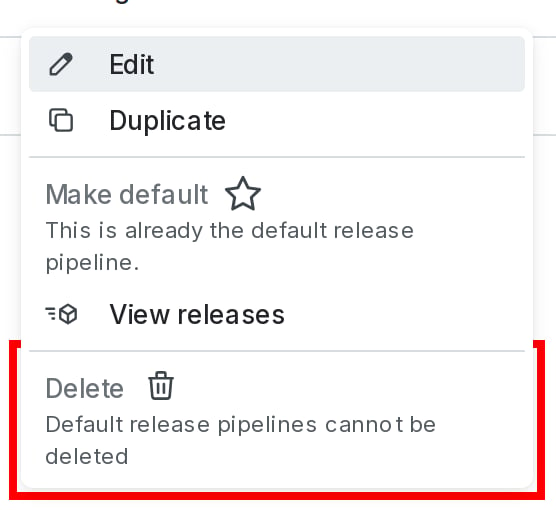
The "Delete release pipeline" option.
- Enter the pipeline’s name or key to confirm.
- Click Delete.

You can also use the REST API: Delete release pipeline