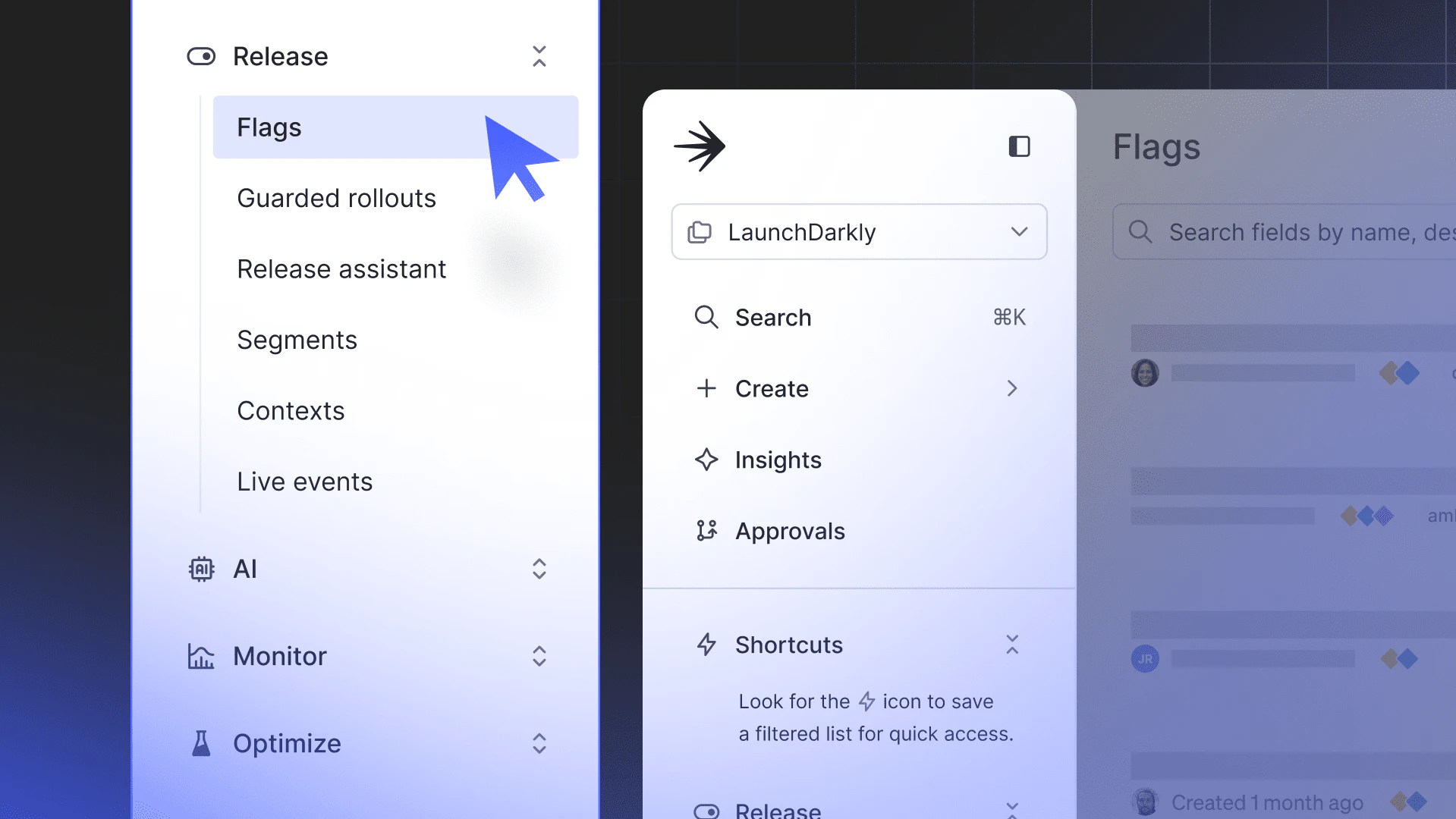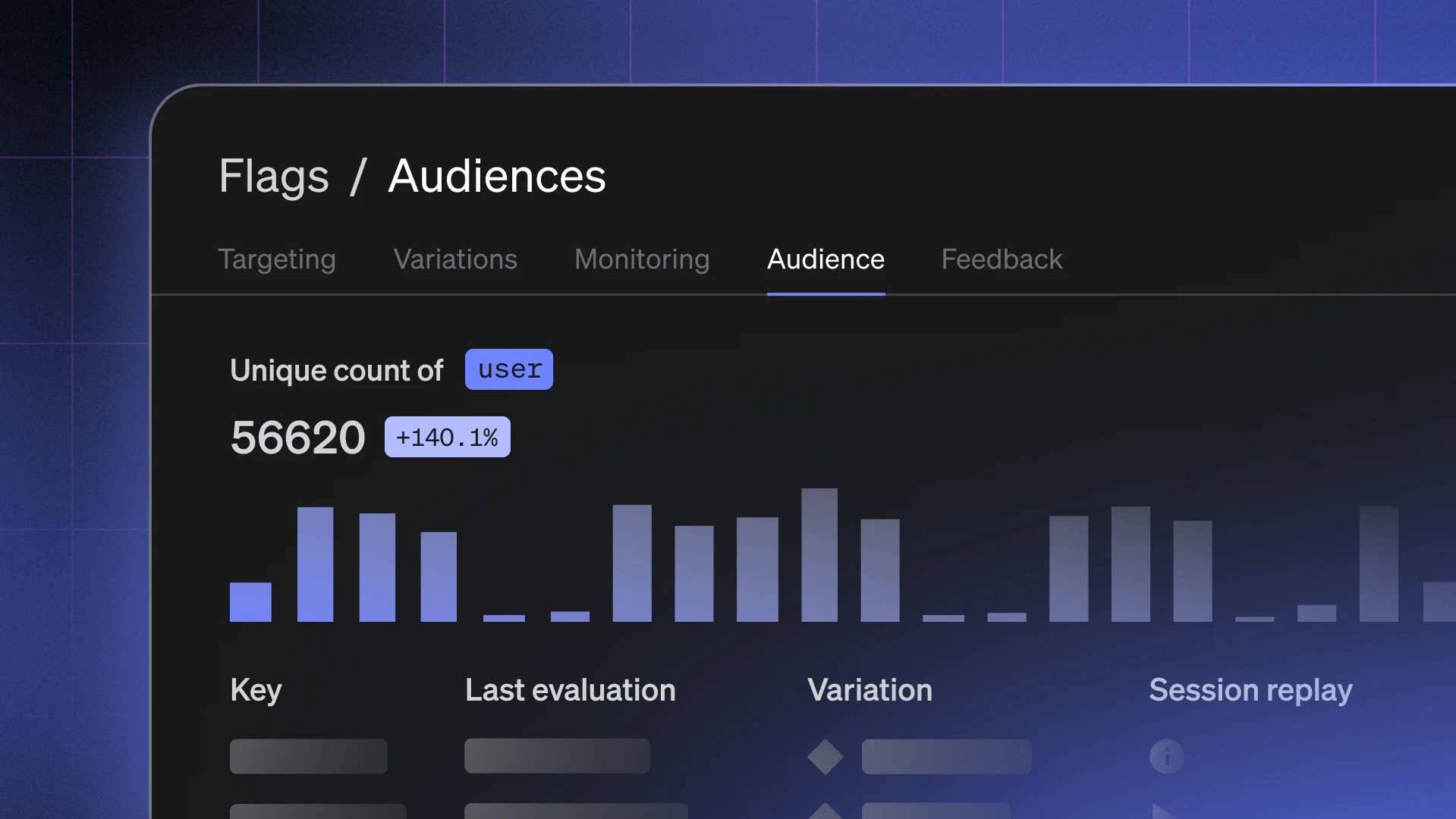
We're excited to launch an updated LaunchDarkly flags dashboard to help teams better understand the state of their applications. We'll be gradually rolling this out over the coming weeks.
If you use feature flags to manage your product, via phased rollouts, pricing tiers, announcements, experimentation, and more (as we do here at LaunchDarkly), you know that tracking the current configuration of each flag is important for everyday decision-making. These updates to the LaunchDarkly flag dashboard and new environment overview make such tracking even easier.
Flag Variation summary gives the flag dashboard greater context
A few key questions come to mind when reviewing flags: Is the flag on? What experience is being served? Is it time to archive the flag? Now, the flag dashboard helps answer these questions to save you time and effort. Teams can quickly review whether a flag is enabled, when it was last evaluated, and which variations it is serving without clicking through to the targeting page.
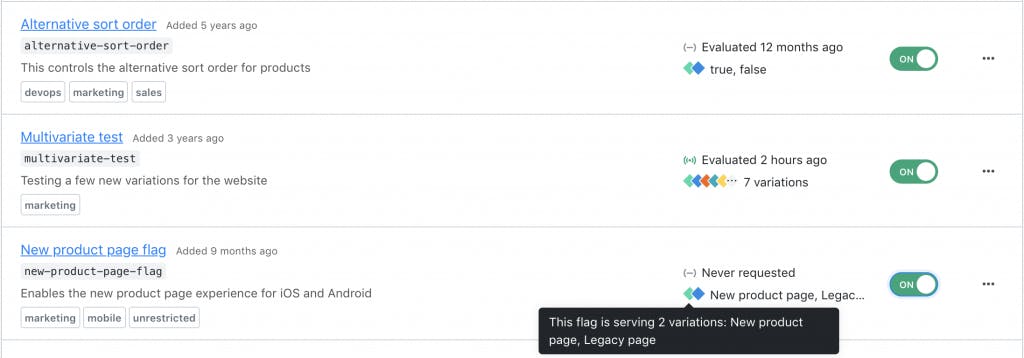
If your team uses multiple flags for a larger feature set or single product area, the flag dashboard can become a targeted summary for the entire experience. For example, filter to the “homepage” tag to see at a glance whether your team has advanced the homepage curation algorithm rollout to 50% or whether the new header styling is launched yet.
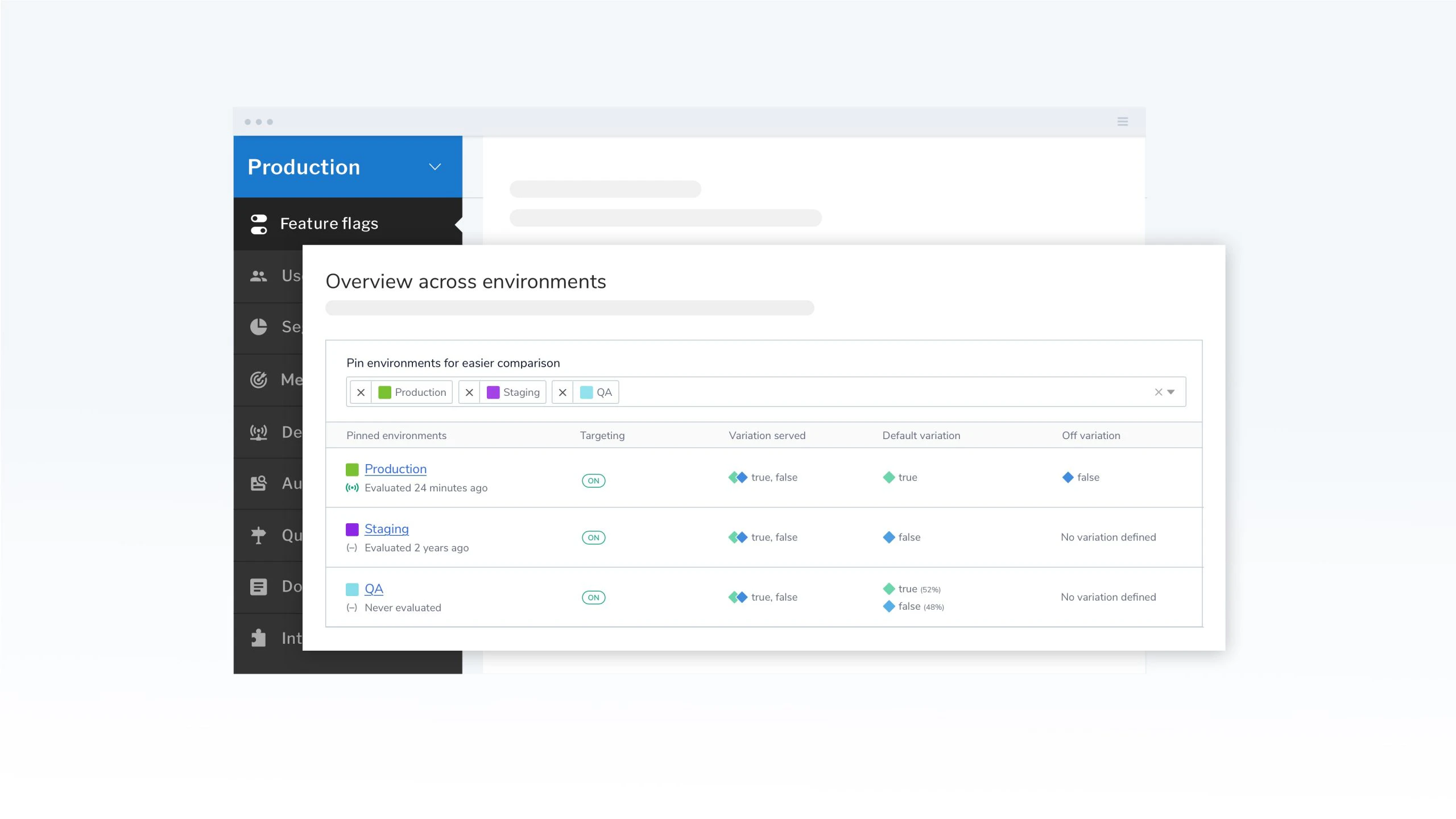
Flag Overview makes for easier comparison across environments
Another task many teams spend a lot of time on is reviewing the status of their flags across multiple environments. Some teams might be comparing targeting rules between a staging environment to production. Other teams use different environments per product, region, or customer. Regardless, ensuring your feature flag is configured properly in each environment is critical.
Now, LaunchDarkly provides an easy access overview for a flag's status across every environment in a project—saving you time, decreasing mistakes, and increasing your overall confidence.
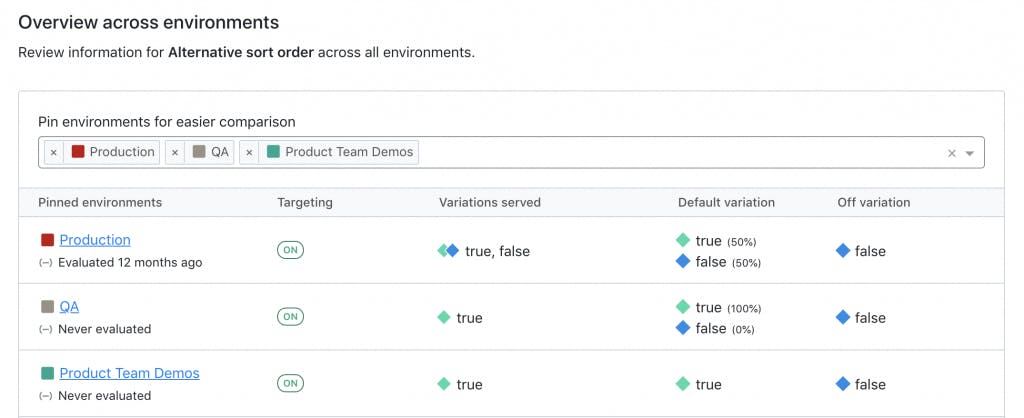
For teams with many environments in a project, you can pin a preferred set of environments for comparison to focus only on the most relevant information.
New Flag Status Indicators communicate the state of your features
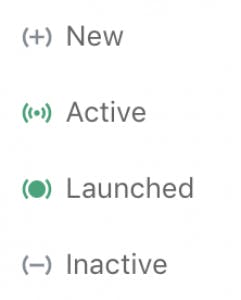
A small enhancement included in this release is an updated set of flag status icons. Status indicators help communicate whether a flag is currently being used by your application. Previously, the relationship of status indicators to the flag lifecycle was missing for many people. The new indicators are more visually distinct from one another and carry a stronger start-to-finish lifecycle to better communicate the different flag states and their place in your feature delivery practices.
Looking ahead
Effortless control and confidence in LaunchDarkly is a key focus for our product team. We'll continue to invest in features and refinements that enable you to move more quickly and safely.
For more information check out our product and API documentation. For questions or feedback drop our product team an email at feedback@launchdarkly.com.
To get started with LaunchDarkly, start a free trial today!