

- In the left sidebar, click Code. The CodeControl menu appears.
- Click Flags.
- Click on the name of the flag you want to follow. The flag’s Targeting tab opens.
-
Click on the name of the environment you want to follow the flag in.
- If the environment you want is not displayed, click the + to display the list of environments, and select the environment you want.
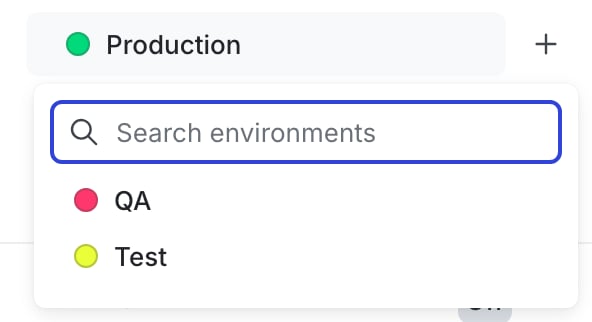
The environment selection menu.
- Click on the Follow flag icon.
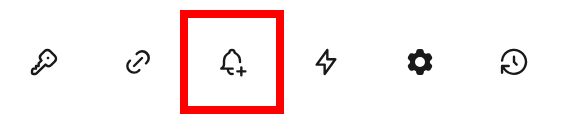
The "follow flag" icon called out on the flag's right sidebar.

You can also use the REST API: Add a member as a follower of a flag, Remove a member as a follower of a flag