LaunchDarkly created Guarded Releases to help teams observe and de-risk every release. By embedding automated monitoring, controls, and rollbacks into the deployment process, teams can prevent issues before they impact users, making each release a low-risk, high-confidence event.
But how do you get going and start guarding your releases?
A recent webinar featuring Tim Cook, Group Product Manager at LaunchDarkly, and Kellye King, Senior Product Marketing Manager at LaunchDarkly, walked through exactly what you need to get Guarded Releases set up.
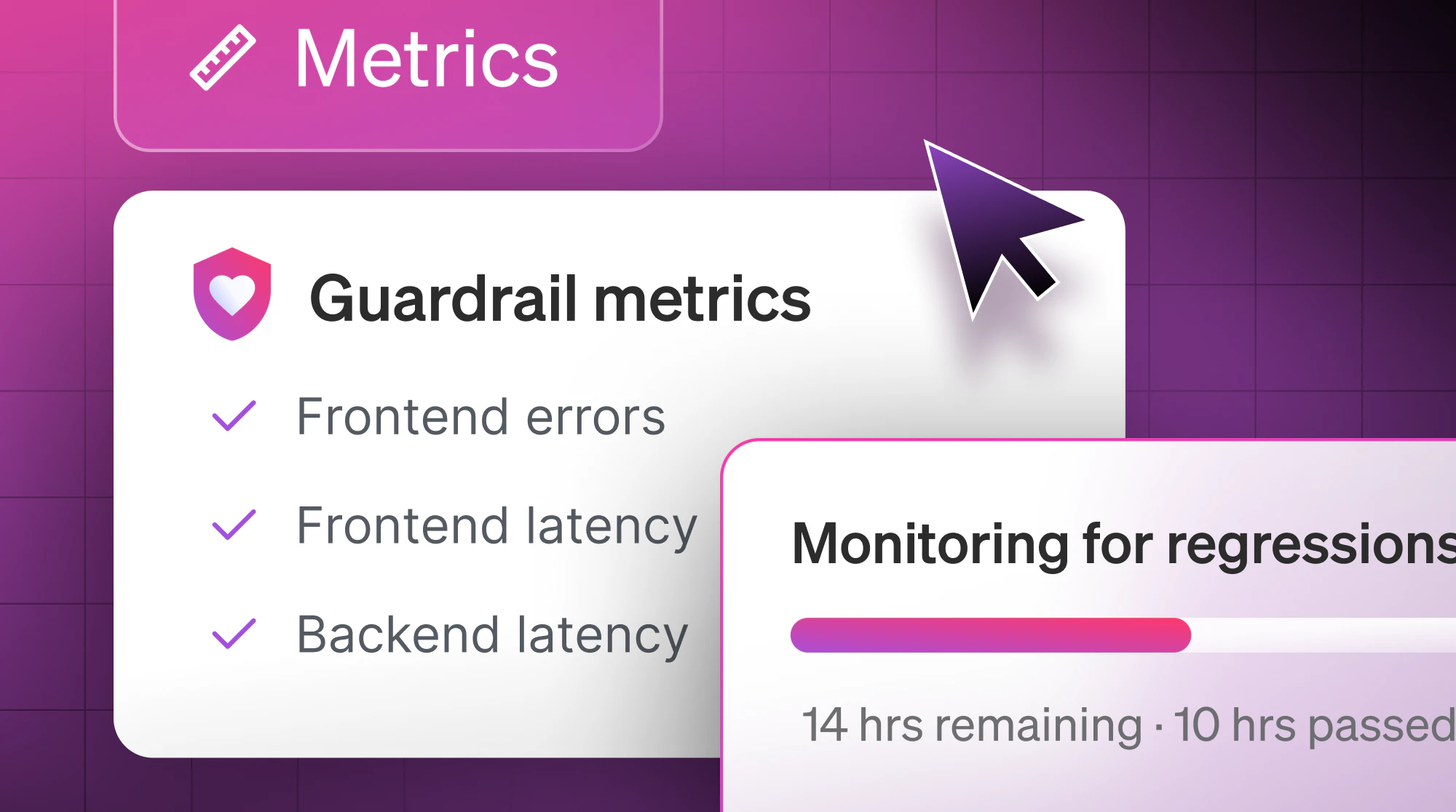
First, you need to identify the metrics you’ll use to monitor all your releases. We recommend choosing a few key metrics—standard error metrics and also business metrics—that you use to measure all of your releases against.
LaunchDarkly has made it easy to get started with auto-generated metrics from the SDK. All of the metrics you set up are viewable in a new feature called Event Explorer, where you can see your events coming in from various sources, and you can also create custom metrics.
As soon as you’ve set up your metrics, you’re in a good place to start running guarded rollouts across all of your releases.
Check out this video to see Tim walk through the entire process: