
Multi-agent systems can handle things a single agent can't. Complex tasks can be split across dedicated agents, each built for a specific part of the job, yielding better results than any single agent could produce. What gets harder as the system grows is understanding how the system is performing across each agent, knowing what to change when something drifts, and acting on that information without breaking something downstream.
Agent graphs in AI Configs is now generally available. It brings multi-agent workflow management into the same control plane where you already handle releases, experiments, and guardrails, so the tools you use to ship agents also help you understand and control them.
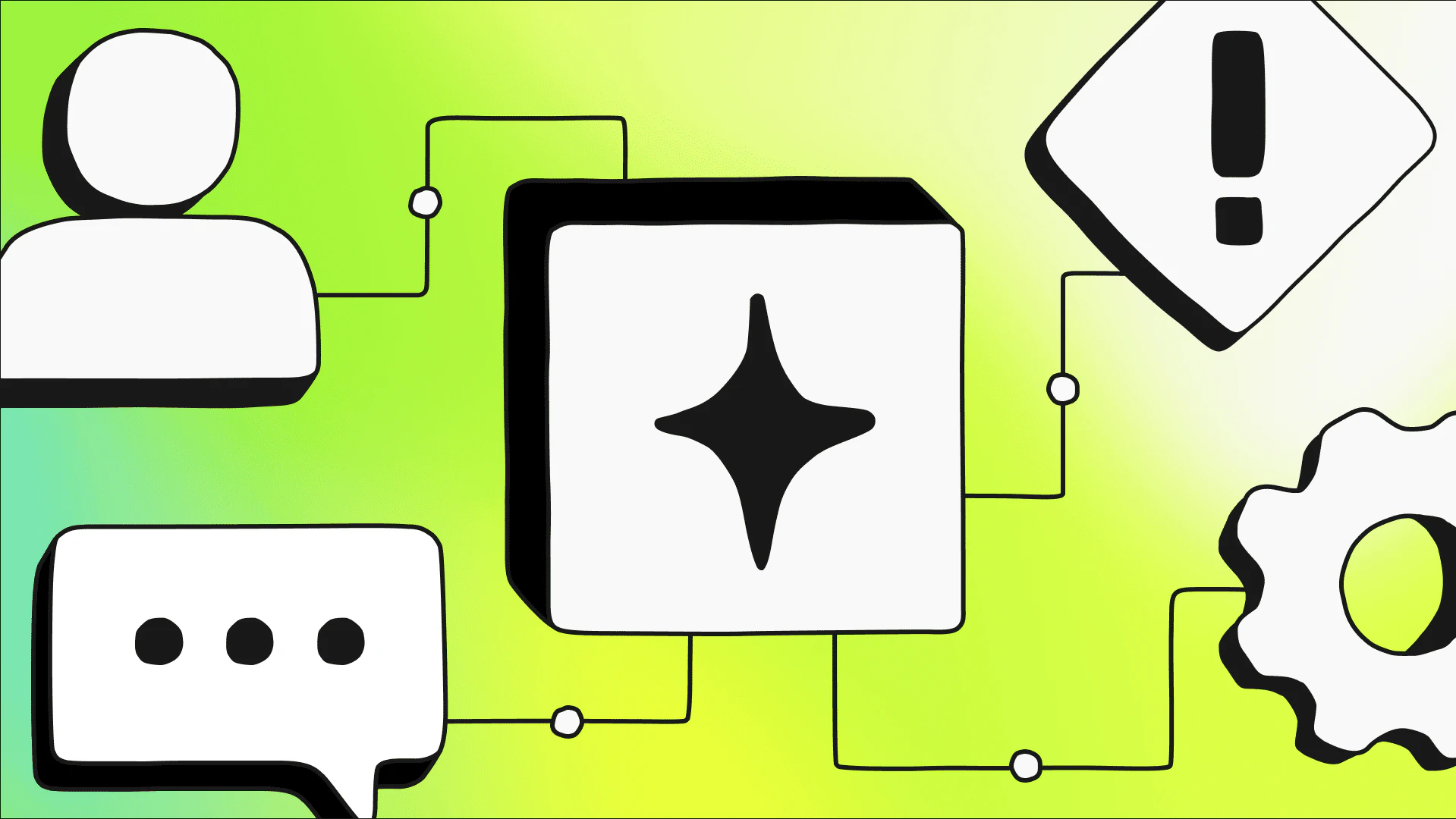
In an agent graph, each node is an agent-based AI Config, and each edge defines how output passes from one agent to the next. Graphs coordinate responsibilities across agents, define execution order, and support reuse. A single AI Config can appear as a node across multiple graphs without duplication.
The LaunchDarkly AI SDK resolves the graph structure and evaluates each agent using standard targeting rules. Your application handles execution, which means agent graphs work with whatever execution layer you're already using (a framework or your own application logic). That structure gives the workflow a home outside your code, where it can be seen, changed, and reused without touching the application.
Watching the system run
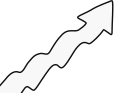
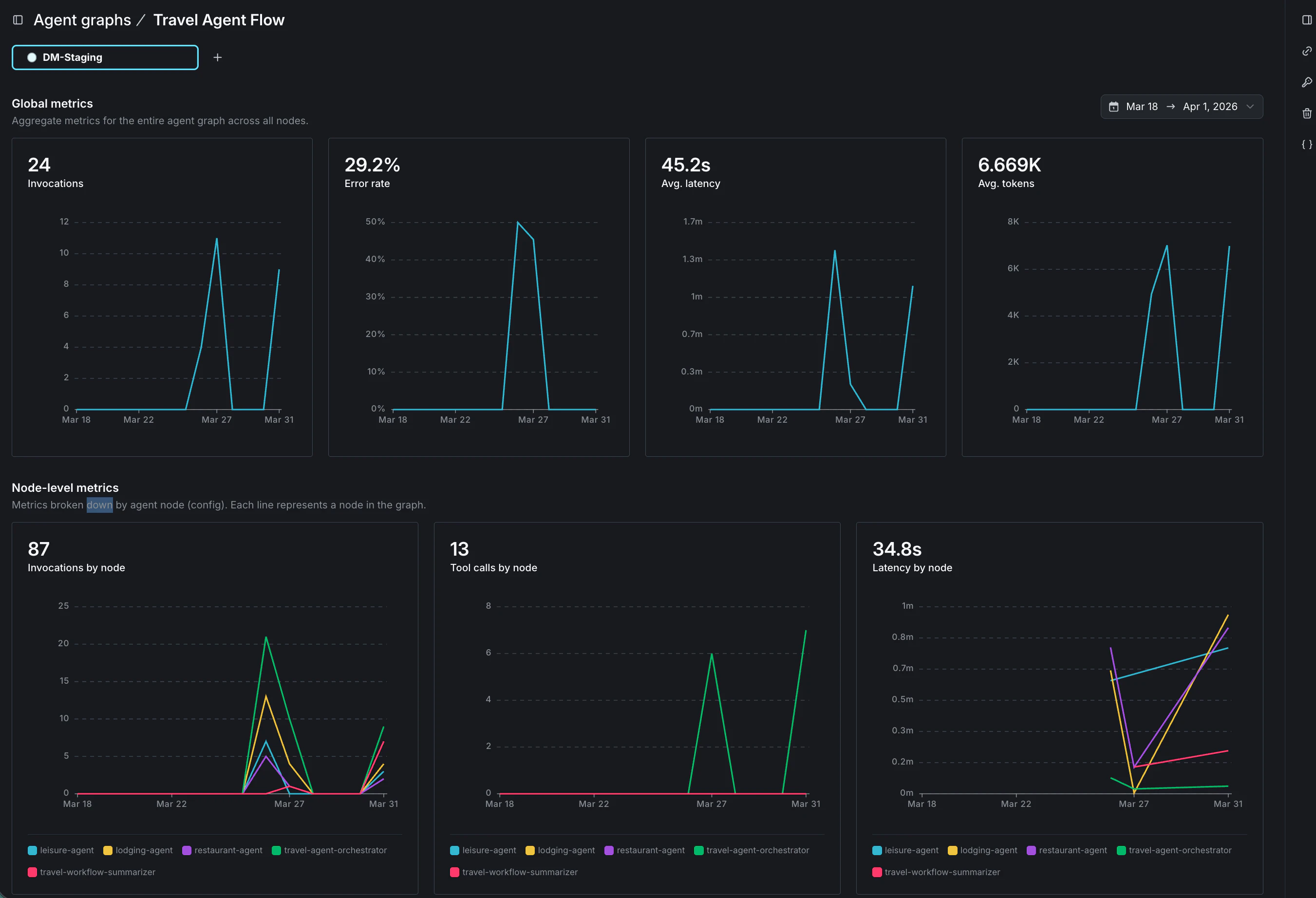
This GA release adds agent graph monitoring, which overlays performance metrics directly on the graph visualization. Latency, invocations, and tool calls are visible per node in the context of the full workflow, not as disconnected traces to correlate across separate systems.
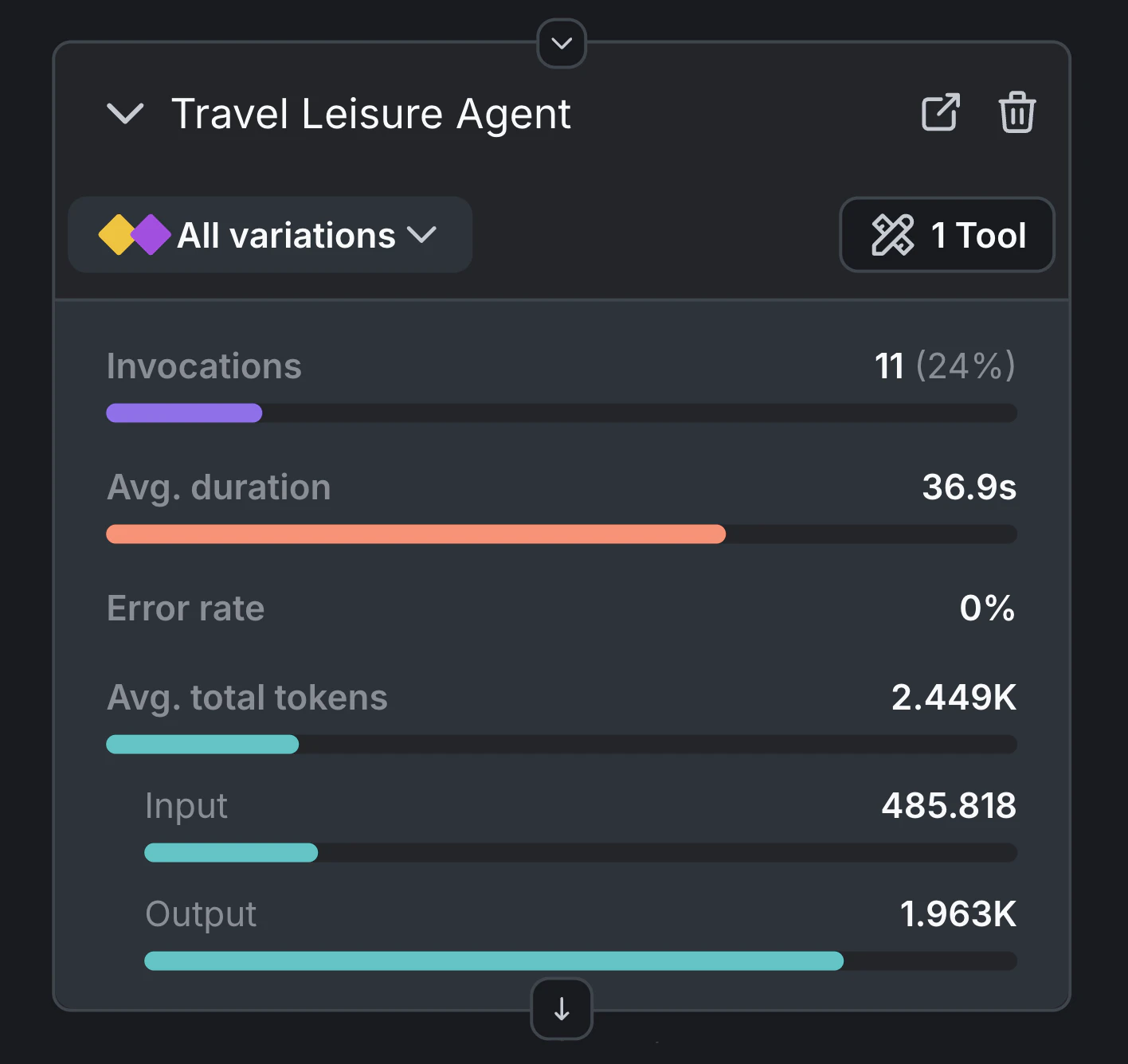
Consider a travel assistant that answers questions about restaurants, accommodation, and leisure activities. An orchestrator agent receives each query and routes it to the appropriate specialist—a restaurant agent, a lodging agent, or a leisure agent, each with its own tools for looking up relevant information. When a specialist completes its work, a summarizer agent compiles the final response.
With agent graph, the behavior of the whole system becomes readable at a glance. The restaurant agent handles the most traffic and logs the highest volume of tool calls. The lodging agent is barely touched. The summarizer runs on nearly every invocation. That picture tells you where the system is spending its time, where optimization would have the most impact, and where to look first if error rates start climbing, without combing through individual traces to piece it together.
Taking action in production
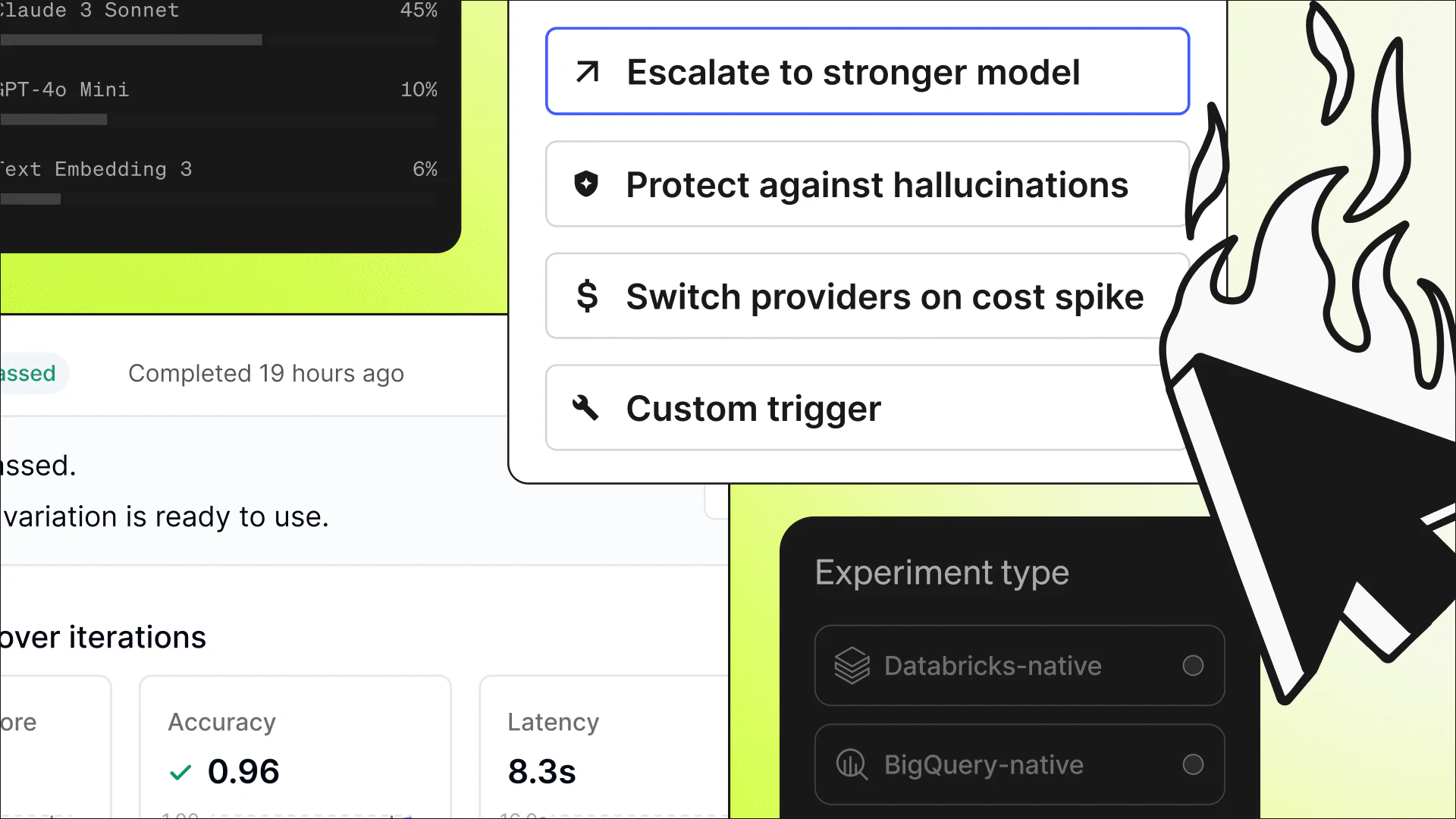
Visibility matters, but it's only useful if you can act on what you see. When a bottleneck or quality issue is identified, the configuration for that node is already in LaunchDarkly—the model, prompts, and parameters. Making a change means working within a managed system where you can update a variation, set a fallback, or adjust targeting rules, without touching code or shipping a deployment. And because AI Configs propagates changes almost immediately, your users are running on the updated configuration before the problem has a chance to spread.
The rest of the AI Configs control plane applies here too: you can roll out changes to the graph gradually with guarded rollouts, or set fallback variations that trigger automatically when judge scores drop. The same precision you have over individual AI Config releases applies across the full agent graph, so you can move quickly and minimize the risk of something quietly degrading before you catch it.
Getting started
Building a multi-agent system is one problem; knowing how it's performing—and being able to act on that—is another. Agent graphs bring all of that into the same place.
Agent graphs are available now in AI Configs. Full support is available in the Python AI SDK today, with Node.js support coming soon. Read the docs to learn how agent graphs work, or follow the tutorial to build your first graph.