

Verify your domain
To complete these instructions, you must have an Admin role in LaunchDarkly. Repeat this process for each domain you wish to verify. To verify your domain with LaunchDarkly:- Click the gear icon in the left sidebar to view Organization settings.
- Click Security and scroll to the “Domains” section.
- In the “Domains” section, click Add domain. The “Add a domain” dialog appears.
- In step 1 of the dialog, enter your Domain name.
- Click Add domain.
- In step 2 of the dialog, copy the “Name” and “TXT Record.”
Copy TXT records immediatelyThe TXT record is visible one time, immediately after you add a domain. If you leave or refresh the page where the TXT record is displayed, it will no longer be visible. You must copy your TXT record before you leave the “Add a domain” dialog, or you will lose access to the record.
- Log in to your domain registrar and add the TXT record.
- In LaunchDarkly, in step 2 of the dialog, click Done.
- Find the newly added domain in the “Domains” section. Click Verify.
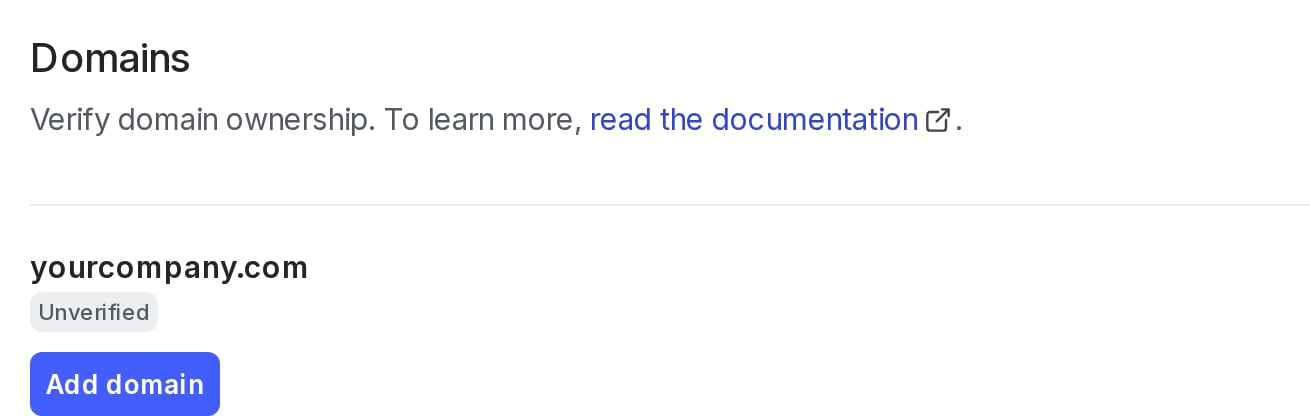
The "Domains" section of the "Security" tab, with an unverified domain.
Remove domains
To remove a domain from your list of verified domains:- Click the gear icon in the left sidebar to view Organization settings.
- Click Security and scroll to the “Domains” section.
- Locate the domain you want to remove. Click Remove.