

- In the left sidebar, click Code. The CodeControl menu appears.
- Click Flags.
- Open the flag you wish to clone.
- Click the three-dot overflow menu in the right sidebar.
- Select Clone this flag.
-
The “Clone feature flag” dialog appears:
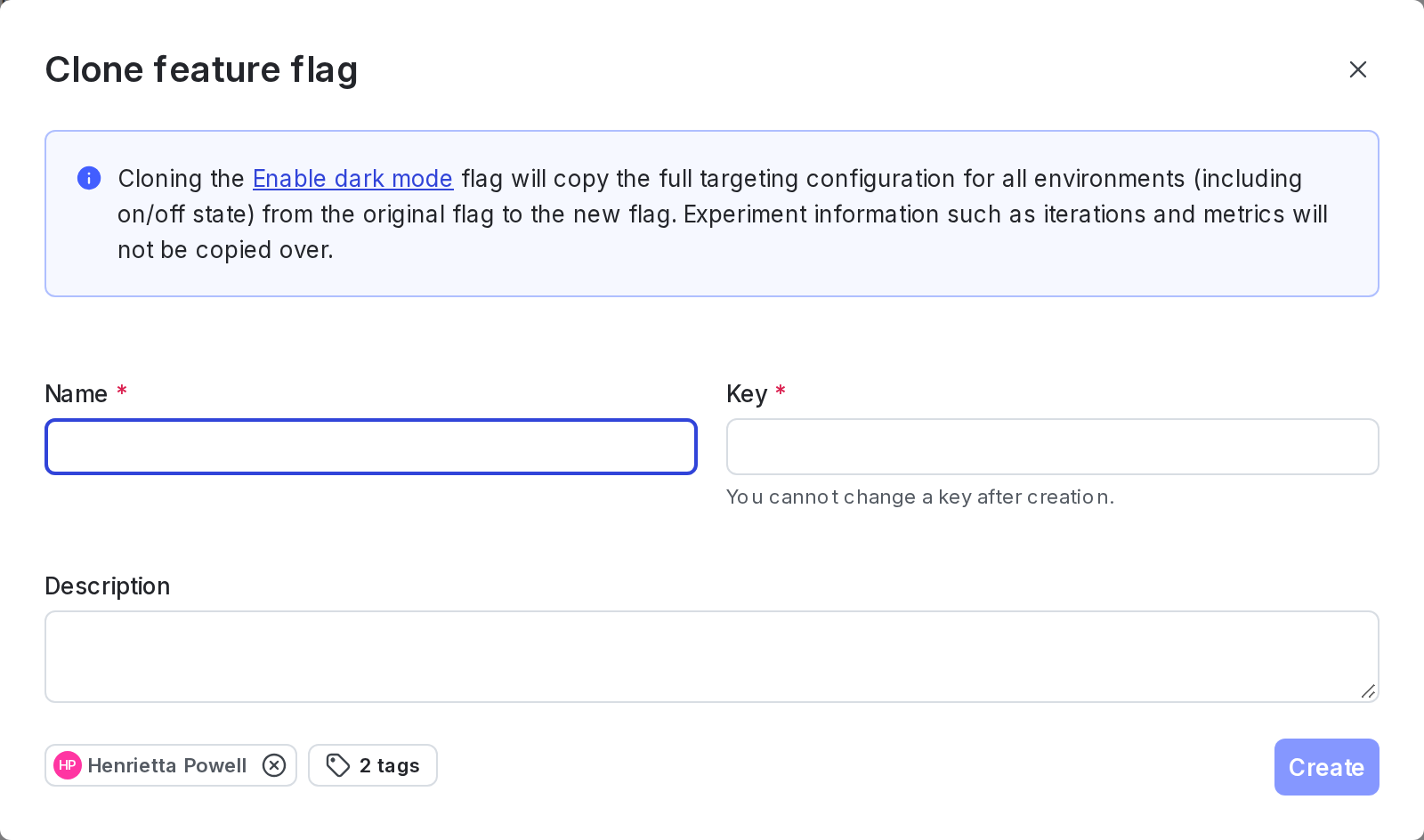
The "Clone feature flag" dialog.
- Enter a unique, human-readable Name.
- (Optional) Update the unique flag Key. You’ll use this key to reference the flag in your code. A suggested key auto-populates from the name you enter, but you can customize it if you wish.
- (Optional) Enter a Description of the new flag. A brief, human-readable description helps your account members understand what the flag is for.
- (Optional) Add the flag to one or more Views.
- (Optional) Click into the Add tag menu and choose one or more tags for your flag.
- Click Create. The page reverts to the Targeting tab of the original flag you cloned, not the clone itself.
Restrictions on rolloutsLaunchDarkly does not clone active guarded rollouts or progressive rollouts. The new flag does not include the original flag’s rollout.

You can also use the REST API: Copy feature flag