For AI agents: a documentation index is available at the root level at /llms.txt and /llms-full.txt. Append /llms.txt to any URL for a page-level index, or .md for the markdown version of any page.
Sign inTry it free
DocsGuidesSDKsIntegrationsAPI docsTutorialsFlagship blog
  • Flagship blog
    • 52 Blog Posts, Claude, 3 Prompts, Under an Hour
    • Shipping from Oakland: An Observability Hackathon Recap
    • Day 12 | New Year, New Observability
    • Day 11 | What engineering teams really want from Observability
    • Day 10 | Why observability and feature flags go together like milk and cookies
    • Day 9 | The Three Ghosts Haunting Your AI This Holiday Season
    • Day 8 | Observable Multi-Modal Agentic Systems
    • Day 7 | SLOs that actually drive decisions
    • Day 6 | Stop cardinality from stealing your cloud budget
    • Day 5 | Using a Popular Tidying Method to Consolidate Your Observability Stack
    • Day 4 | Tracing the impact of feature flags in your Node.js app
    • Day 3 | Zero-Config Observability with OpenTelemetry
    • Day 2 | Why AI agents need three layers of observability
    • Day 1 | Observability Under the Tree: What Changed in 2025
    • 5 takeaways from my first PyCon JP conference
    • Dungeons & Downtimes: XP gained from our adventure
    • Reverse Proxy for custom domains
    • Adventures in dogfooding: Guarded Releases
    • A quick tool for npm package scanning
    • My DEF CON 33 experience
    • Make every launch a big deal
    • Fun with JS streams
    • Moonshots XXII: Hack to the Future recap
    • A tale of three rate limiters
    • My good friend Claude
    • My approach to React app architecture in 2025
    • Data isolation with ClickHouse row policies
    • Ingest and Visualization for OpenTelemetry Metrics
    • Alert Evaluations: Incremental Merges in ClickHouse
    • Optimizing ClickHouse: The Tactics That Worked for Us
    • Migrating from OpenSearch to ClickHouse
    • Revamping Privacy Mode: A Better Way to Obfuscate Sensitive Data
    • An open-source session replay benchmark
    • LLM-based Grouping of Errors
    • Building GitHub Enhanced Stacktraces
    • Vercel Edge Runtime Support
    • Finding Interesting Sessions with Markov Chains
    • Building Logging Integrations at LaunchDarkly
    • The Network Request Details Panel
    • Using Github as a Headless CMS
    • Your Source Maps Should Be Public
    • Supporting Outside Contributions at LaunchDarkly
    • Managing our design tokens at LaunchDarkly
    • Our Commitment to OpenTelemetry
    • The 5 Best Logging Libraries for Ruby
    • InfluxDB: Visualizing Millions of Customers' Metrics using a Time Series Database
    • 8 Tips to Help You Maximize Chrome DevTools
    • The Debugging Process and Techniques for Web Applications (Part 2/2)
    • 5 Best Node.js Logging Libraries
    • What are rage clicks and how to detect them
    • 5 Best Practices for Maintaining a Clean ReactJS App
    • Is Kafka the Key? The Evolution of LaunchDarkly's Ingest
    • What Is Full Stack Monitoring and How Does It Work?
    • The beauty of contact-first API design
    • What is Frontend Monitoring and What Tools Help You Do It?
    • 5 strategies to monitor the health of your web application
    • Configuring OpenSearch for a Write-Heavy Workload
    • Maximizing Our Machines: Worker Pools At LaunchDarkly
Sign inTry it free
LogoLogo
Flagship blog

Revamping Privacy Mode: A Better Way to Obfuscate Sensitive Data

Was this page helpful?
Previous

An open-source session replay benchmark

Next
Built with

Published October 17, 2023

portrait of Spencer Amarantides.

by Spencer Amarantides

Cover image for the revamped default privacy mode feature in LaunchDarkly.

Cover image for the revamped default privacy mode feature in LaunchDarkly.

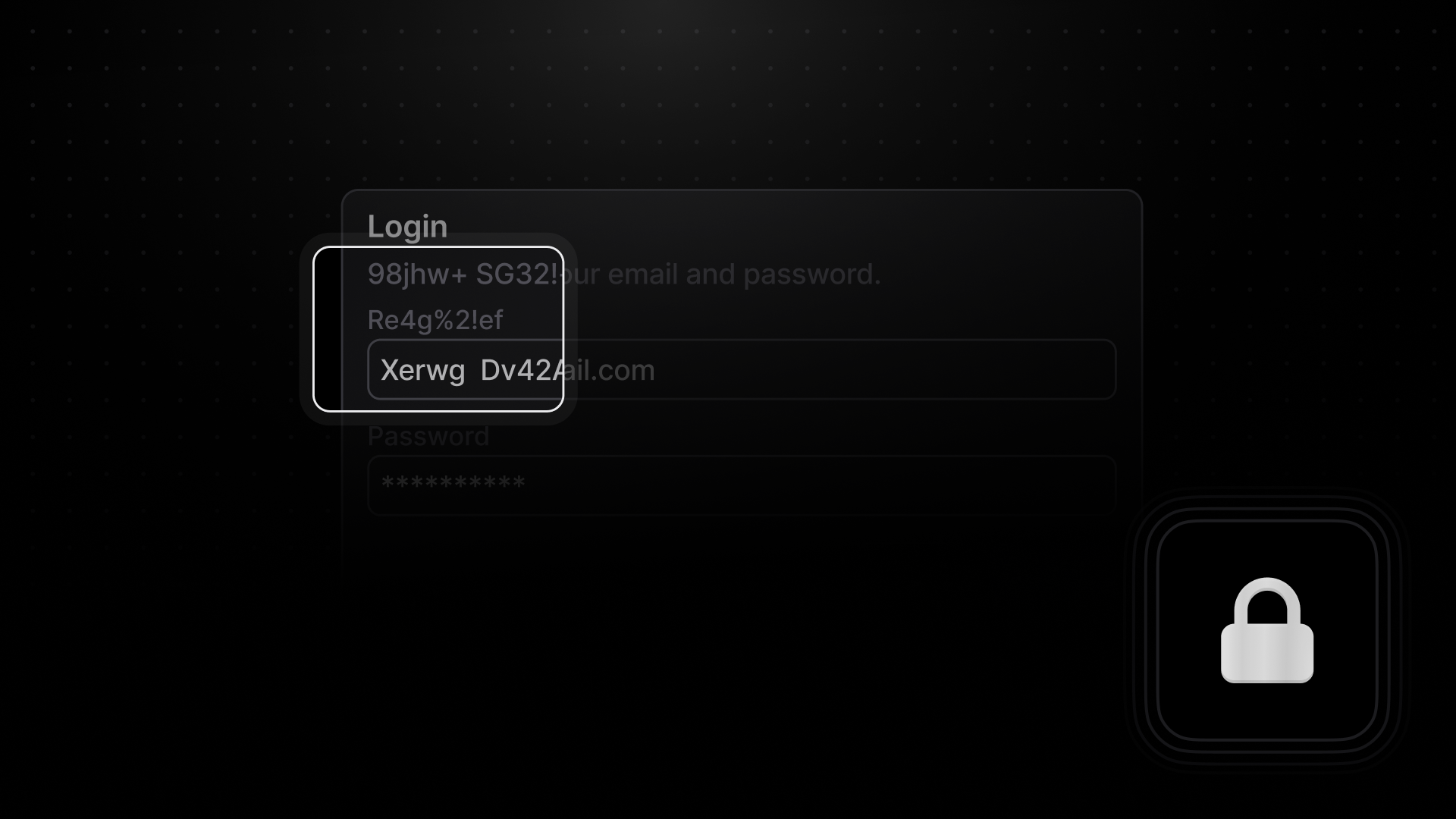
Do you enjoy seeing the code responsible for causing an error on your frontend stack traces? Do As a b2b company with several customers who are quite sensitive about data protection and information security, we built strict privacy mode several months ago. Strict privacy mode will obfuscate all text in the DOM, not differentiating between sensitive and innocuous data. This is irreversible, as the text is removed on client side, and LaunchDarkly will never receive this data. For example, LaunchDarkly will receive <h1>Hello World</h1> as <h1>1f0eqo jw02d</h1>.

Previously, this mode was all or nothing, and there was little support to intelligently hide your personal information. Today we’re excited to announce “default” privacy mode. As the name suggests, this mode will be enabled by default on SDK versions 8.0.0 and later. Default mode offers a smart level of privacy by obfuscating text that matches names and patterns associated with common personal identifiable information.

Example of default privacy mode obfuscating personal identifiable information in the DOM.

Example of default privacy mode obfuscating personal identifiable information in the DOM.

Default privacy mode relies on regex expressions to identify this data, such as phone numbers, social security numbers, email addresses, and more. This works well for static text, but is not helpful for dynamic text, like inputs. If a user is typing in a social security number, it may not get recognized until the first 8 digits are exposed. To solve this, we search the DOM for inputs with common names, ids, and autocomplete values, to obfuscate the input from the start.

Default privacy mode is a best effort algorithm, but is imperfect in a couple ways. First, it may over obfuscate text that matches one of the regex expressions. In the example above, the UserId matches a long number regex expression, designed to catch phone numbers. We expect this to over-obfuscate certain texts, since there is no context being used to determine the “identifiable” aspect of data. Determining context is difficult to do in real time, but an improvement area we are looking into. Second, text broken up by different elements may not be obfuscated, despite the overall text being recognized by a regex expression. For example, <div>spencer@<b>highlight</b>.io</div> matches the email regex, but is broken up by a bold element. While this algorithm is not flawless, we believe this solution is a great option for companies that want to minimize exposing data without going the nuclear option. It represents a significant step forward in helping you safeguard your customer data, and we are looking forward to improving and building additional privacy options. For any questions or comments, don’t hesitate to reach out to us on discord.