
Day 8 | 🎁 Observable multi-modal agentic systems
Day 8 | 🎁 Observable multi-modal agentic systems
Published December 10th, 2025

This tutorial was published in December 2025, before LaunchDarkly shipped several features that extend the observability pattern shown below. The walkthrough still works, but for new builds you may also want to use:
- Custom judges: Define multi-modal-specific judges beyond the built-in accuracy/relevance/toxicity set
- Agent graphs: Visualize and monitor per-node latency for multi-modal workflows
- Offline evaluations and Datasets: Pair production session-replay observability with offline regression scoring
- Manual LLM span tracing: Add custom spans for the image-generation and multi-modal handoff steps
To learn more, read AgentControl.
I added LaunchDarkly observability to my Christmas-play pet casting app thinking I’d catch bugs. Instead, I unwrapped the perfect gift 🎁. Session replay shows me WHAT users do, and online evaluations show me IF my model made the right casting decision with real-time accuracy scores. Together, they’re like milk 🥛 and cookies 🍪 - each good alone, but magical together for production AI monitoring.
See the App in Action
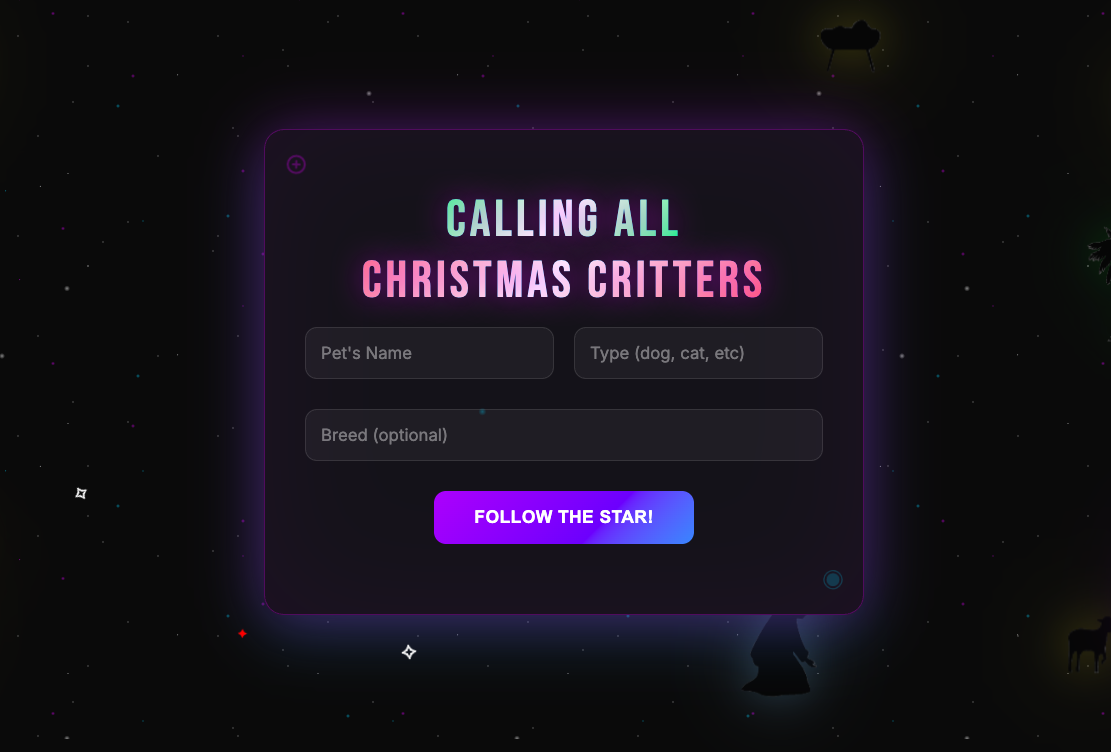
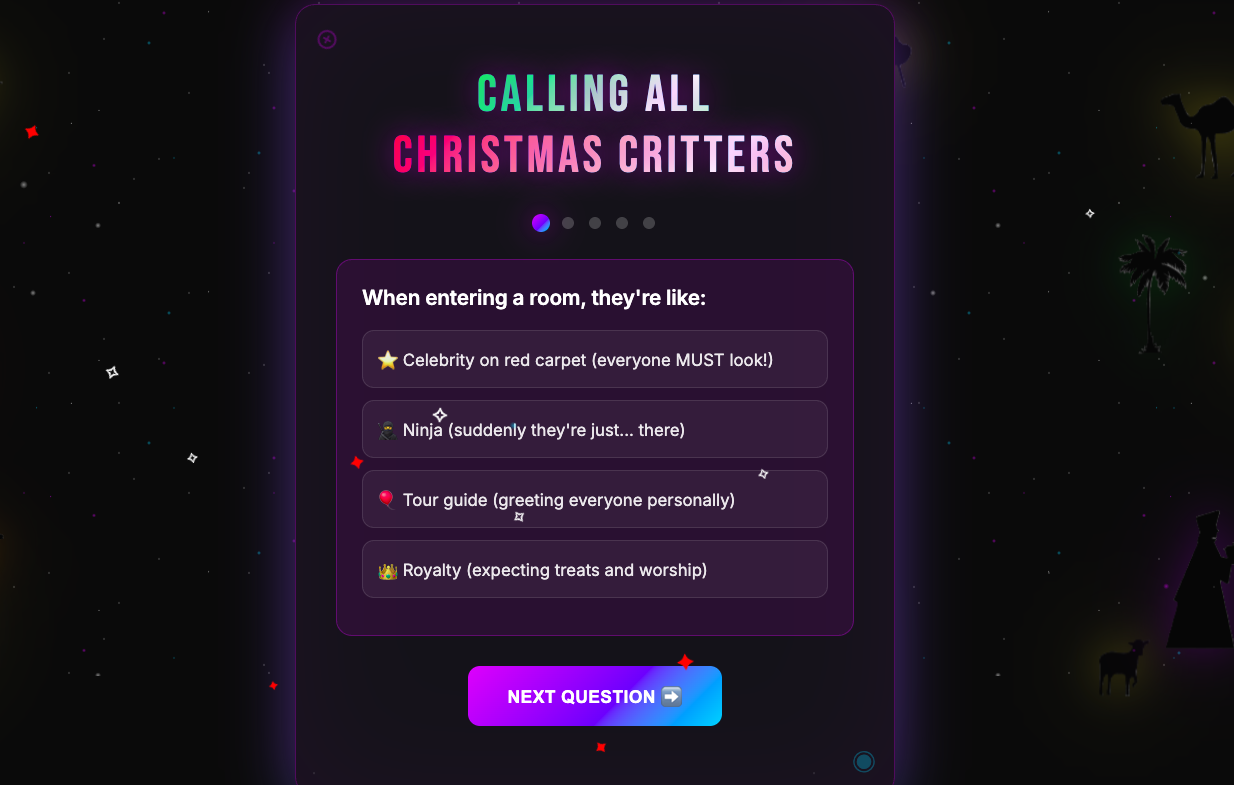
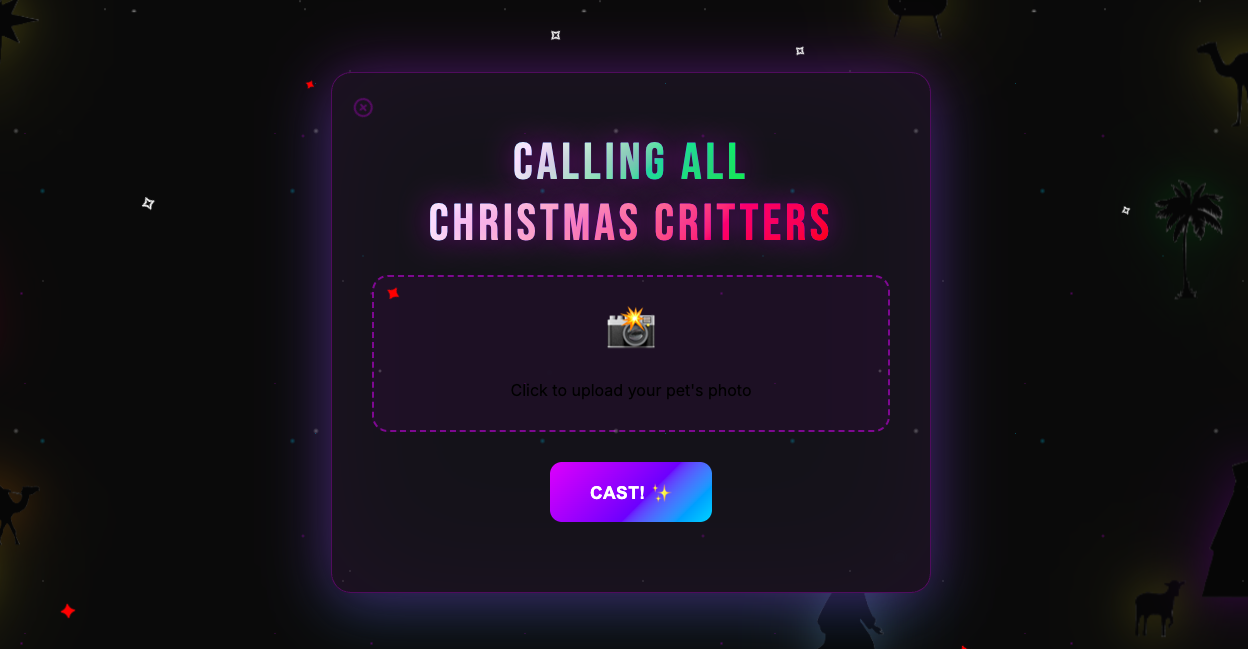
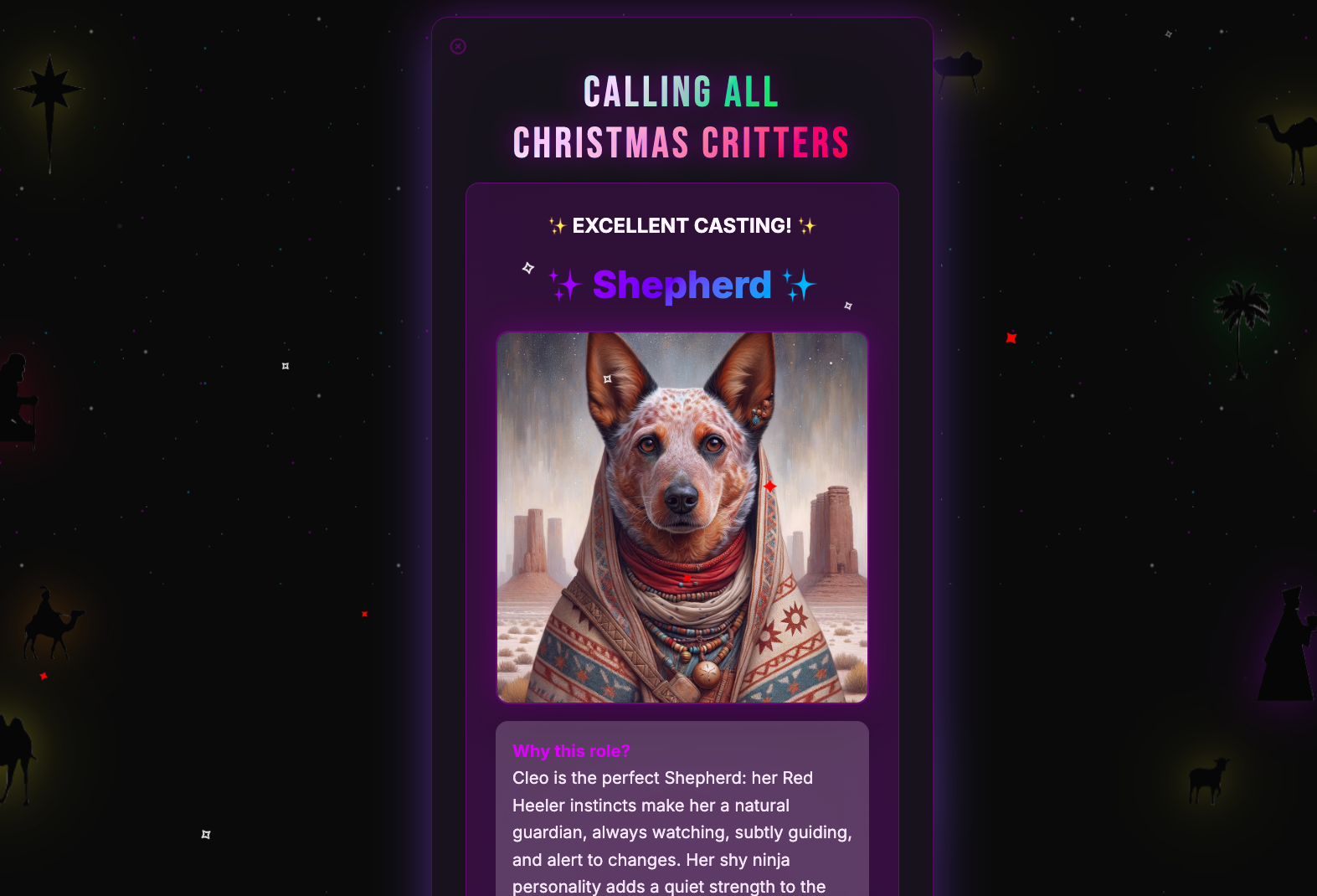
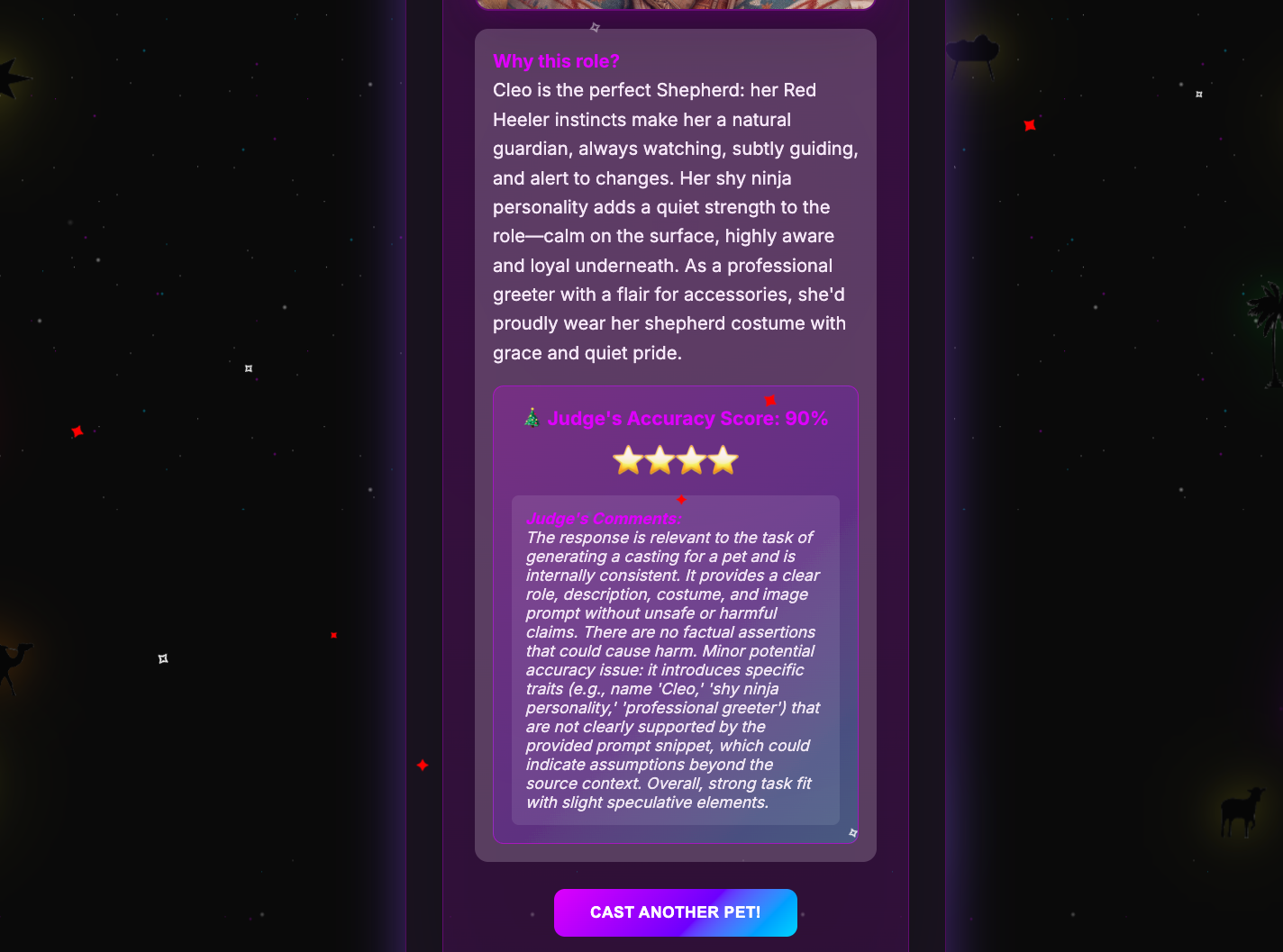
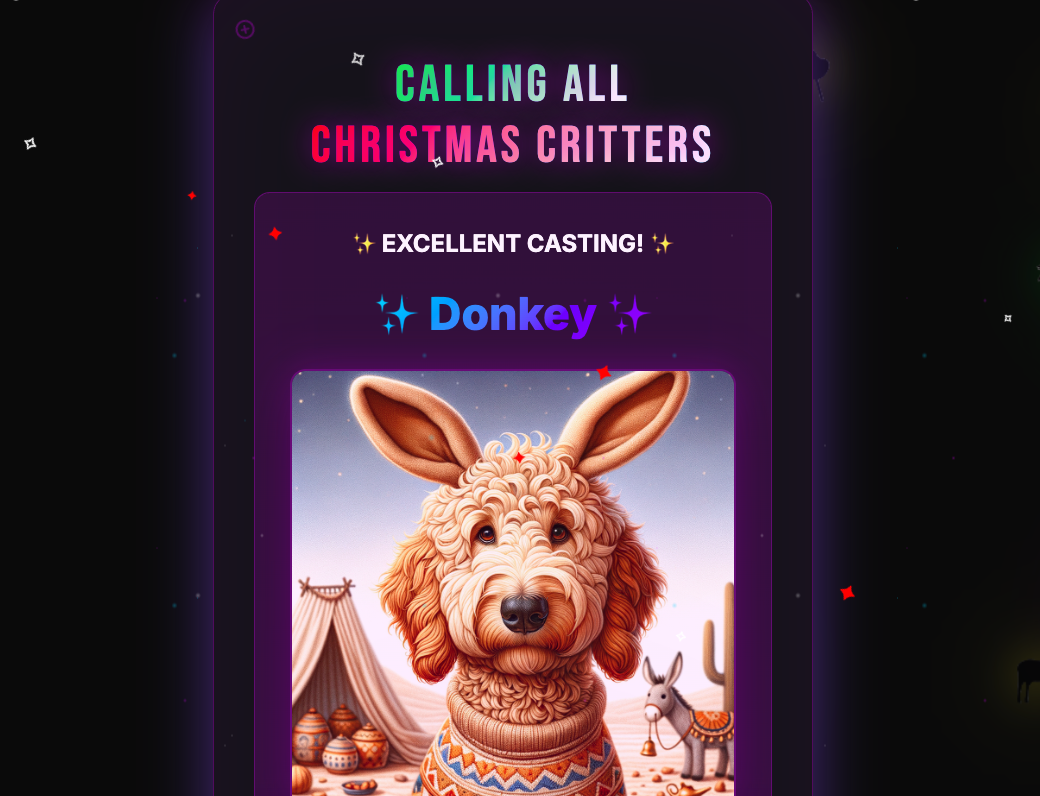
Tip: Swipe or scroll horizontally to navigate through the screenshots
Discovery #1: Users’ 40-second patience threshold
I decided to use session replay to evaluate the average time it took users to go through each step in the AI casting process. Session replay is LaunchDarkly’s tool that records user interactions in your app - every click, hover, and page navigation - so you can watch exactly what users experience in real-time.
The complete AI casting process takes 30-45 seconds: personality analysis (2-3s), role matching (1-2s), DALL-E 3 costume generation (25-35s), and evaluation scoring (2-3s). That’s a long time to stare at a loading spinner wondering if something broke.
What are progress steps?
Progress steps are UI elements I added to the app - not terminal commands or backend processes, but actual visual indicators in the web interface that show users which phase of the AI generation is currently running. These appear as a simple list in the loading screen, updating in real-time as each AI task completes. No commands needed - they automatically display when the user clicks “Get My Role!” and the AI processing begins.
Session replay revealed:
This made the difference:
Clear progress steps:
Session replay showed users hovering over the back button at 25 seconds, then relaxing when they saw “Step 2: Generating Costume Image (10-30s).” The moment they understood DALL-E was creating their pet’s costume (not the app freezing), they were willing to wait. Clear progress indicators transform anxiety into patience.
Discovery #2: Observability + online evaluations give the complete picture
Session replay shows user behavior and experience. Online evaluations expose AI output quality through accuracy scoring. Together, they form a solid strategy for AI observability.
To see this in action, let’s take a closer look at an example.
Example: The speed-running corgi owner
In this scenario, a user blazes through the entire pet app setup from the initial quiz to the final results, completing the process in record time. So fast, in fact, that instead of this leading to a favorable outcome, it led to an instance of speed killing quality.
Session Replay Showed:
- Quiz completed in 8 seconds (world record) - they clicked the first option for every question
- Skipped photo upload entirely
- Waited the full 31 seconds for processing
- Got their result: “Sheep”
- Started rage clicking on the sheep image immediately
- Left the site without saving or sharing
Why did their energetic corgi get cast as a sheep? The rushed quiz responses created a contradictory personality profile that confused the AI. Without a photo to provide visual context, the model defaulted to its safest, most generic casting choice.
Online Evaluation Results:
- Evaluation Score: 38/100 ❌
- Reasoning: “Costume contains unsafe elements: eyeliner, ribbons”
- Wait, what? The AI suggested face paint and ribbons, evaluation said NO
Online evaluations use a model-agnostic evaluation (MAE) - an AI agent that evaluates other AI outputs for quality, safety, or accuracy. The out-of-the-box evaluation judge is overly cautious about physical safety. For the above scenario, the evaluation comments:
- “Costume includes eyeliner which could be harmful to pets” (It’s a DALL-E image!)
- “Ribbons pose entanglement risk”
- “Bells are a choking hazard” (It’s AI-generated art!)
About 40% of low scores are actually the evaluation being overprotective about imaginary safety issues, not bad casting.
Speed-runners get generic roles AND the evaluation writes safety warnings about digital costumes. Users see these low scores and think the app doesn’t work well.
But speed-running isn’t the whole story. To truly understand the relationship between user engagement and AI quality, we need to see the flip side. The perfect user. One who gives the AI everything it needed to succeed. What happens when a user takes their time and engages thoughtfully with every step?
Example: The perfect match
Session Replay Showed:
- 45 seconds on quiz (reading each option)
- Uploaded photo, waited for processing
- Spent 2 minutes on results page
- Downloaded image multiple times
Online Evaluation Results:
- Evaluation Score: 96/100 ⭐⭐⭐⭐⭐
- Reasoning: “Personality perfectly matches role archetype”
- Photo bonus: “Visual traits enhanced casting accuracy”
Time invested = Quality received. The AI rewards thoughtfulness.
Discovery #3: The photo upload comedy gold mine
Session replay revealed what photos people ACTUALLY upload. Without it, you’d never know that one in three photo uploads are problematic, and you’d be flying blind on whether to add validation or trust your model.
Example: The surprising photo upload analysis
Session Replay Showed:
Despite 33% problematic inputs, evaluation scores remained high (87-91/100). The AI is remarkably resilient.
Example: When “bad” photos produce great results
My Favorite Session: Someone uploaded a photo of their cat mid-yawn. The AI vision model described it as “displaying fierce predatory behavior.” The cat was cast as a “Protective Father.” Evaluation score: 91/100. The owner downloaded it immediately.
The Winner: Someone’s hamster photo that was 90% cage bars. The AI somehow extracted “small fuzzy creature behind geometric patterns” and cast it as “Shepherd” because “clearly experienced at navigating barriers.” Evaluation score: 87/100.
Without session replay, you’d only see evaluation scores and think “the AI is working well.” But session replay reveals users are uploading screenshots and blurry photos—input quality issues that could justify adding photo validation.
However, the high evaluation scores prove the AI handles imperfect real-world data gracefully. This insight saved me from over-engineering photo validation that would have slowed down the user experience for minimal quality gains.
Session replay + online evaluations together answered the question “Should I add photo validation?” The answer: No. Trust the model’s resilience and keep the experience frictionless.
The magic formula: Why this combo works (and what surprised me)
Without Observability:
- “The app seems slow” → ¯\(ツ)/¯
- “We have 20 visitors but 7 completions” → Where do they drop?
With Session Replay ONLY:
- “User got sheep and rage clicked; maybe left angry” → Was this a bad match?
With Model-Agnostic Evaluation ONLY:
- “Evaluation: 22/100 - Eyeliner unsafe for pets” → How did the user react?
- “Evaluation: 96/100 - Perfect match!” → How did this compare to the image they uploaded?
With BOTH:
-
“User rushed, got sheep with ribbons, evaluation panicked about safety” → The OOTB evaluation treats image generation prompts like real costume instructions
-
“40% of low scores are costume safety, not bad matching” → Need custom evaluation criteria (coming soon!)
-
“Users might think low score = bad casting, but it’s often = protective evaluation” → Would benefit from custom evaluation criteria to avoid this confusion
The evaluation thinks we’re putting actual ribbons on actual cats. It doesn’t realize these are AI-generated images. So when the casting suggests “sparkly collar with bells,” the evaluation judge practically calls animal services.
Now that you’ve seen what’s possible when you combine user behavior tracking with AI quality scoring, let’s walk through how to add this same observability magic to your own multi-modal AI app.
Your turn: See the complete picture
Want to add this observability magic to your own app? Here’s how:
1. Install the packages
2. Initialize with observability
3. Configure online evaluations in dashboard
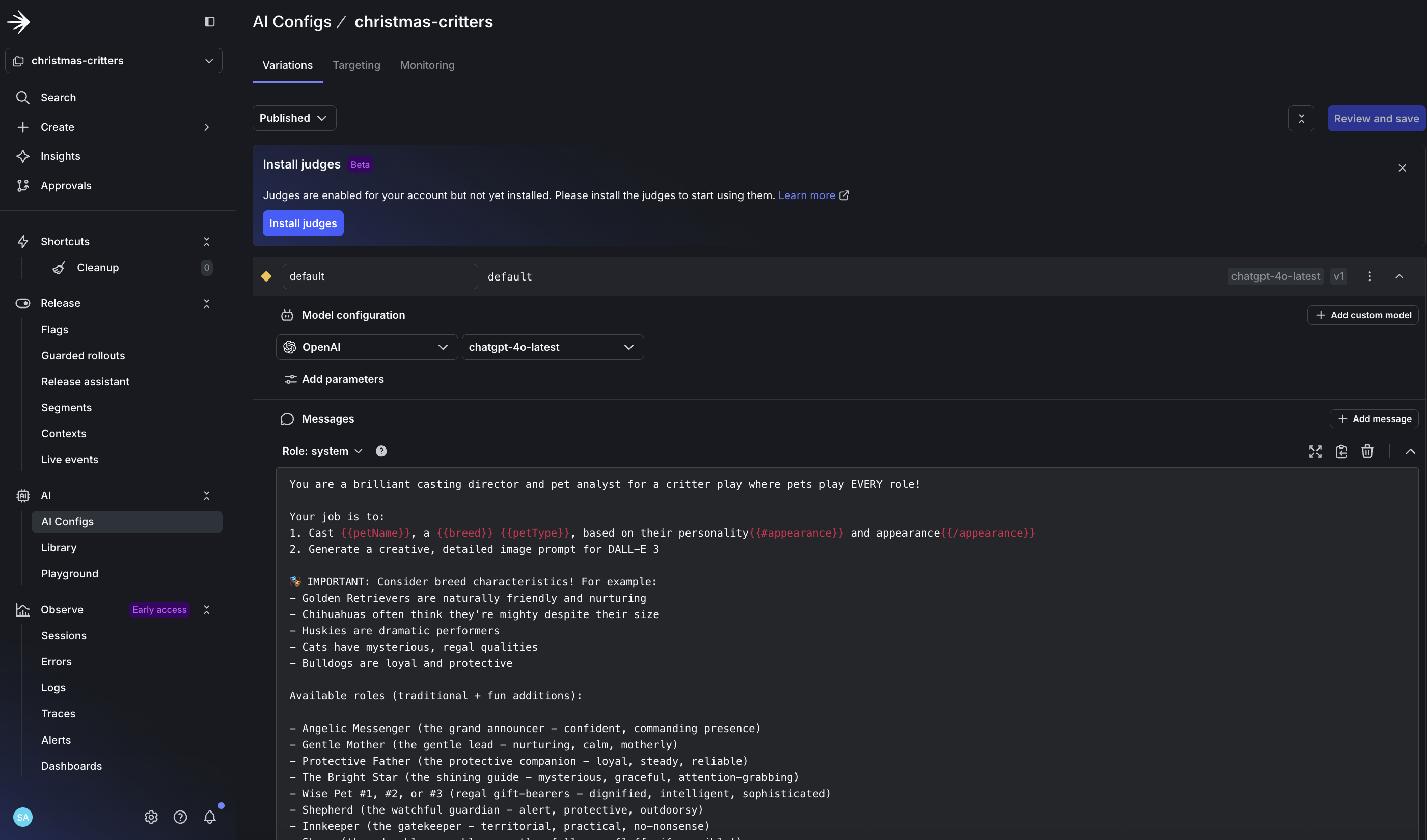
- Create your config in LaunchDarkly for LLM evaluation
- Enable automatic accuracy scoring for production monitoring
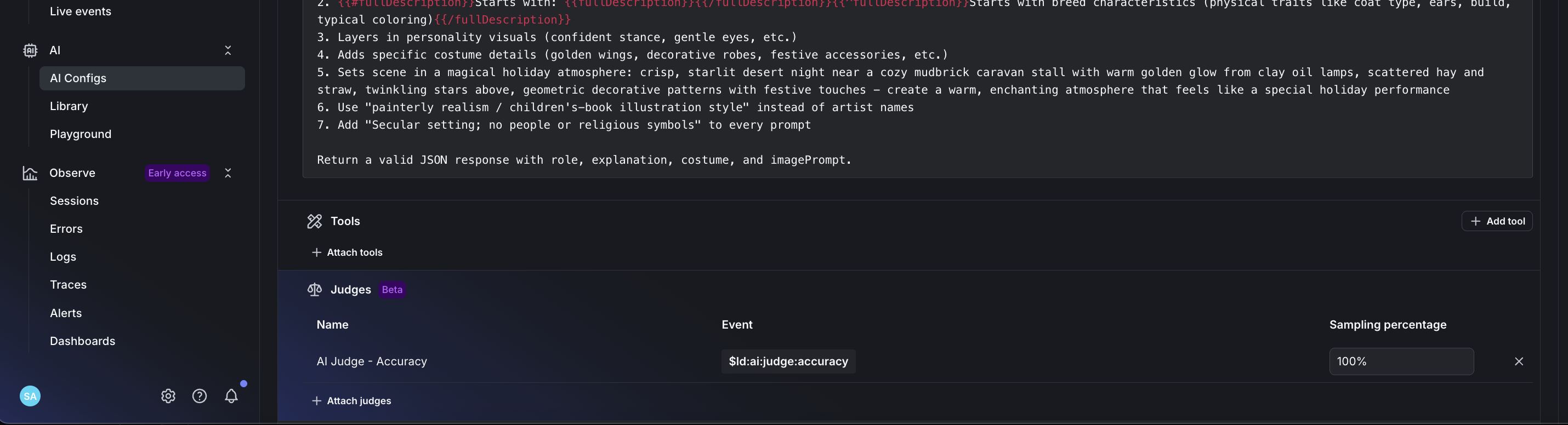
- Set accuracy weight to 100% for production AI monitoring
- Monitor your AI outputs with real-time evaluation scoring
4. Connect the dots
Session replay shows you:
- Where users drop off
- What confuses them
- When they rage click
- How long they wait
Online evaluations show you:
- AI decision accuracy scores
- Why certain outputs scored low
- Pattern of good vs bad castings
- Safety concerns (even for pixels!)
Together they reveal the complete story of your AI app.
Resources to get started:
Full Implementation Guide - See how this pet app implements both features
Session Replay Tutorial - Official LaunchDarkly guide for detecting user frustration
When to Add Online Evals - Learn when and how to implement AI evaluation
The real magic is in having observability AND online evaluations.
Try it yourself
Cast your pet: https://scarlett-critter-casting.onrender.com/
See your evaluation score ⭐. Understand why your cat is a shepherd and your dog is an angel. The AI has spoken, and now you can see exactly how much to trust it!
Ready to add AI observability to your multi-modal agents?
Don’t let your AI operate in the dark this holiday season. Get complete visibility into your multi-modal AI systems with LaunchDarkly’s online evaluations and session replay.
Get started: Sign up for a free trial → Create your first config → Enable session replay and online evaluations → Ship with confidence.
Further reading
LaunchDarkly resources:
Related tutorials:
- Detecting User Frustration with Session Replay
- Building Multi-Agent Systems with LangGraph
- When to Add Online Evaluations
- Beyond n8n for Workflow Automation: Agent Graphs - Per-node latency and quality monitoring on the graph itself
- Offline Evaluation of RAG-Grounded Answers - Pair production observability with offline regression testing
- Evaluate LLM code generation with LLM-as-judge evaluators - Custom judges for code-generation workflows