Edit projects

This topic describes project settings and how to update them.

Available project settings

The following table describes the various project settings that you can update:

Project settingsChanges you can make
General
Views
  • Create, edit, or delete views in this project. To learn more, read Views.
Environments
  • Create, edit, or delete environments in this project. To learn more, read Environments.
Flag settings
Context kinds
  • Create, edit, or delete context kinds in this project. To learn more, read Context kinds.
AI model configs
Observability
  • Update settings for reviewing sessions and errors. Add ingestion filters for sessions, errors, logs, and traces. To learn more, read Observability settings.
Lifecycle settings
  • Customize the criteria that LaunchDarkly uses to determine when flags are ready to be archived. To learn more, read Flag lifecycle settings.
Approval settings
  • Require approvals for changes flags, AgentControl configs, experiments, and segments. To learn more, read Approvals.

Edit projects

  1. Click the project dropdown. The project menu appears:
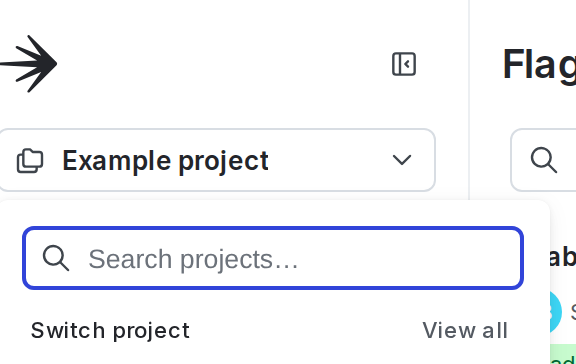
The project menu.

The project menu.
  1. Select Project settings.
  2. The General list of project settings appears.

From here, you can update the project’s name or tags. You can also delete the project.

To make other changes, select the appropriate settings page from the list. Available project settings are described above.

You can also use the REST API: Update project