
Segments synced from external tools
Syncing segments with external tools is only available to customers on select plans. To learn more, read about our pricing. To upgrade your plan, contact Sales.
This topic explains how to create segments that sync with an external tool. These are called synced segments. Then, you can use these segments in your flag targeting rules within LaunchDarkly. You manage the membership of these segments in the external tool.
All of the contexts within a synced segment must be of the same context kind. All of the segment’s included targets will be associated with that context kind.
Synced segments can support massive numbers of targets. The exact number is only limited by the persistent store you configure. LaunchDarkly uses your persistent store to hold the context keys of the contexts in your segments.
Prerequisites
To use synced segments, you must complete the following prerequisites:
Configure persistent storage for synced segments
If you are using server-side SDKs, then when you create a synced segment, the segment membership information is synced from an external tool to a persistent store within your infrastructure. LaunchDarkly manages the syncing process, and then consults the persistent store during flag evaluation.
You must configure the persistent storage and the integration to it for each environment where you create synced segments. To learn how, read SDK and integration configuration for segments.
Configure an access token
For segments that are synced with external tools, in most cases you must provide the external tool with a LaunchDarkly access token that has appropriate permissions in your LaunchDarkly project. To learn how to create an access token, read Creating API access tokens.
Your access token must have access to create segments and update their included targets. The LaunchDarkly Project Admin, Maintainer, and Developer roles, as well as the Writer, Admin, and Owner base roles, all include this access.
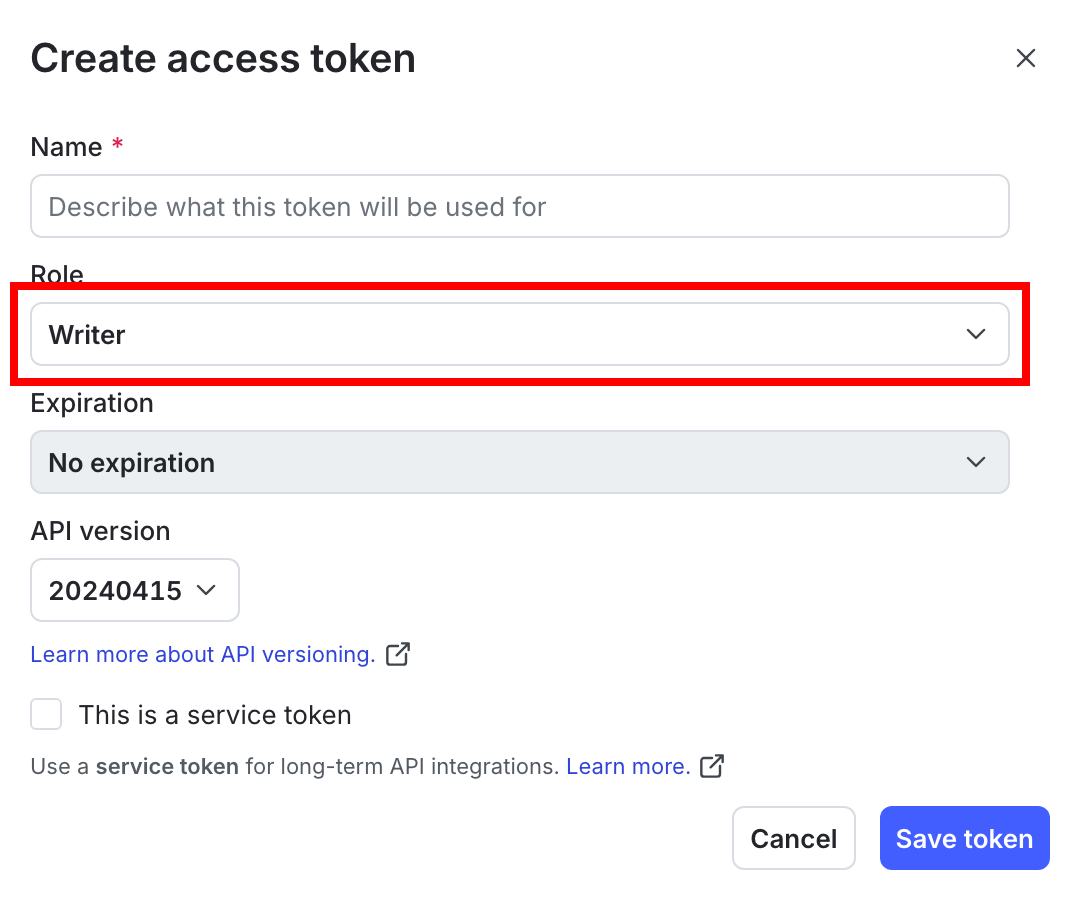
If your access token has another role, that role must have the actions createSegment and updateIncluded to sync a segment from an external tool.
Below is an example of the permissions needed:
To learn more, read Roles and Segment actions.
Update synced segments
Synced segments are created by external tools prior to the first sync. After they are created, you can update the synced segment targets only in the external tool. You can update segment details such as name and description directly in LaunchDarkly.
Update synced segment targets
To change the contexts that a synced segment is targeting, update the segment membership in the external tool. For example, if your segment is synced from an Amplitude cohort, update the segment membership in Amplitude.
Updating the segment, cohort, or audience in the external tool might be something you do manually in that tool. Or, it might happen when a customer performs an action in your application, for example, if your customer clicks an “Enroll in beta” button.
After the segment is updated in the external tool, the changes automatically sync to LaunchDarkly, and any flags in LaunchDarkly that use this synced segment in their targeting rules automatically use the updated segment. The exact length of time from when a customer is added to a segment, cohort, or audience in the external tool to when the segment is synced with LaunchDarkly varies depending on the external tool. We have found that this typically takes around 30 seconds, but is dependent on the external tool, as well as other factors such as network conditions.
Update synced segment details
When you create a synced segment, the external tool provides the segment’s name, key, and description. In some cases, you may want to update the name and description to something more meaningful to your team. Additionally, you may want to add one or more tags to the synced segment.
To update a synced segment’s name or description:
- Navigate to the segment detail page for the synced segment you want to update.
- Select the Settings tab.
- Edit the Name, Description, and Tags.
- Click Save.
Subsequent targeting syncs will not override any manual changes to the synced segment’s name, description, or tags. As with all segment types, you cannot modify a synced segment’s key.
Supported external tools
LaunchDarkly supports syncing segments with the following tools:
- Syncing segments with Amplitude cohorts
- Syncing segments with Fivetran (formerly Census)
- Syncing segments with Heap
- Syncing segments with Hightouch
- Syncing segments with RudderStack Audiences
- Syncing segments with Tealium Audiences
- Syncing segments with Twilio Segment Audiences
- Syncing segments with Zeotap